
Billboard Frame Photo1.5 - Google Play
You'll be able to see results in few seconds.
Publisher Description
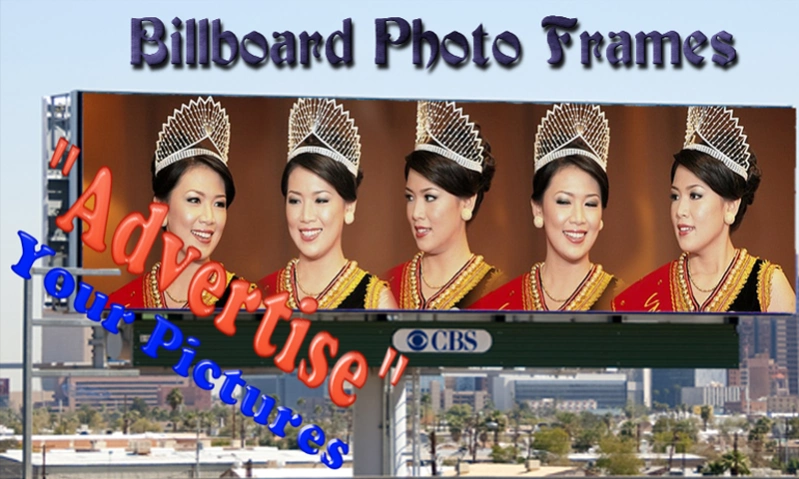
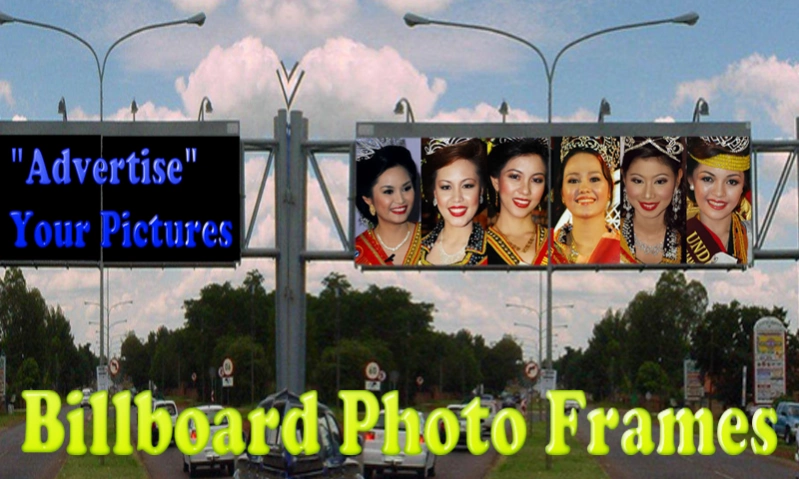
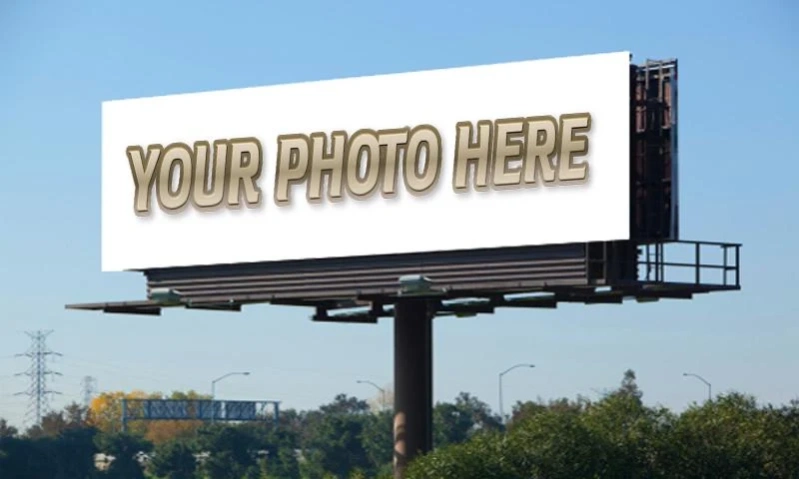
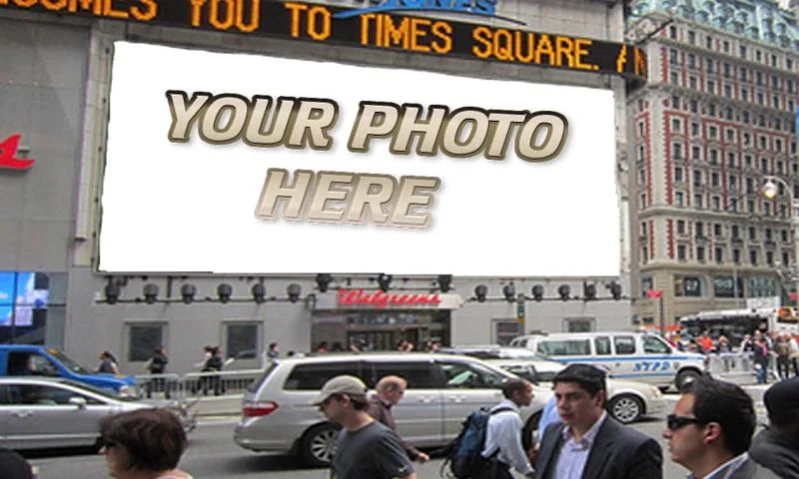
Become a star, advertise yourself on the billboard and impress your friends.
Become a star, advertise yourself on the billboard and impress your friends!
Select your photo or take a selfie / wefie / group photo and place it on the billboards of the most strategic places. Just choose your favorite picture and the desired billboard photo frames to create fun-tastics advertisement.
Impress your family and friends by becoming the protagonist of the neon signs of the most representative places in the world. With "Billboard Frame Photo" is very easy. Share or "advertised" your billboard photo frames with your families and friends.
★ No internet connection is required.
EASY TO USE
1. Billboard frame photo: Frames 1 & Frames 2
i. Tap "Take a picture" button.
ii. Select frames by sliding left or right.
iii.Take photo with your picture in the frame.
2. Photo editor
i. Tap "Open" and choose either you want to capture photo with "Camera", or find photo from the "Gallery".
ii. To select frames, tap "Mask" and then tap "Choose". Find your favorite frame and tap it.
iii. You can move around the frame by dragging with your finger.
iv. Adjust the transparency by using the "Alfa". Or make photo black and white, grey or sepia with the "Effect" function.
v. To enlarge, double tap the frame.
vi. Adjust the frame size by pinching with your fingers.
vii. Rotate frame with your fingers.
viii. Put more effect to your photo using the "Effect" button.
ix. Tap "Apply" to make the frame permanent.
x. Add more frame to decorate your photo.
xi. You can delete the frame ("Mask" --> "Delete").
xii. To send or save your photo, tap "Send", and you can either save it to "Gallery" or "Share via apps".
xiii. You can share using Whatsapp, Telegram, Facebook, WeChat, Line, email, Twitter and many more.
Choose any of the available over 50 photo frames of hoarding and make great pictures using the full potential of this application. Fun and funny photo decorations. Share your results with your families and friends, or on your FB page. Make as many fun pictures as you want, send it or share it with your friends through any of the available options (Whatsapp, Telegram, Facebook, WeChat, Line, email, Twitter and many more). Show your creativity in decorating and designing high definition photos.
Put your picture on a billboard photo wrap and show everybody how popular you are! Feel like a celebrity with “Billboard Frame Photo” free app for mobile phone and tablet devices.
These cool billboard photo frames will reflect the atmosphere from the most successful moments in your life captured by your instacam. Now it is time to show your pictures decorated with “Billboard Frame Photo” to the world. In a couple of seconds your ordinary pics edited with your mobile phone and tablet will become extraordinary beautiful, wonderful photo frame for hoarding.
#DOWNLOAD BILLBOARD FRAME PHOTO FREE NOW.
About Billboard Frame Photo
The company that develops Billboard Frame Photo is FloApps Inc. The latest version released by its developer is 1.5.
To install Billboard Frame Photo on your Android device, just click the green Continue To App button above to start the installation process. The app is listed on our website since 2019-12-17 and was downloaded 0 times. We have already checked if the download link is safe, however for your own protection we recommend that you scan the downloaded app with your antivirus. Your antivirus may detect the Billboard Frame Photo as malware as malware if the download link to com.floapps.billboard.frame.photo is broken.
How to install Billboard Frame Photo on your Android device:
- Click on the Continue To App button on our website. This will redirect you to Google Play.
- Once the Billboard Frame Photo is shown in the Google Play listing of your Android device, you can start its download and installation. Tap on the Install button located below the search bar and to the right of the app icon.
- A pop-up window with the permissions required by Billboard Frame Photo will be shown. Click on Accept to continue the process.
- Billboard Frame Photo will be downloaded onto your device, displaying a progress. Once the download completes, the installation will start and you'll get a notification after the installation is finished.
Program Details
System requirements
Download information
Pricing
Version History
version 1.5
posted on 2019-12-17
App update.
version 1.4
posted on 2019-07-25
New improve version.
version 1.0
posted on 2015-05-04
Disclaimer
Official Google Play Link
We do not host Billboard Frame Photo on our servers. We did not scan it for viruses, adware, spyware or other type of malware. This app is hosted by Google and passed their terms and conditions to be listed there. We recommend caution when installing it.
The Google Play link for Billboard Frame Photo is provided to you by apps112.com without any warranties, representations or guarantees of any kind, so access it at your own risk.
If you have questions regarding this particular app contact the publisher directly. For questions about the functionalities of apps112.com contact us.
